/software / macshot
- Windows
- Free / MIT
- v0.4.0
- Early release
- Source available
MacShot
Mac-style screenshot thumbnails for Windows.
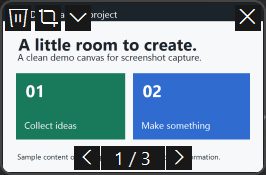
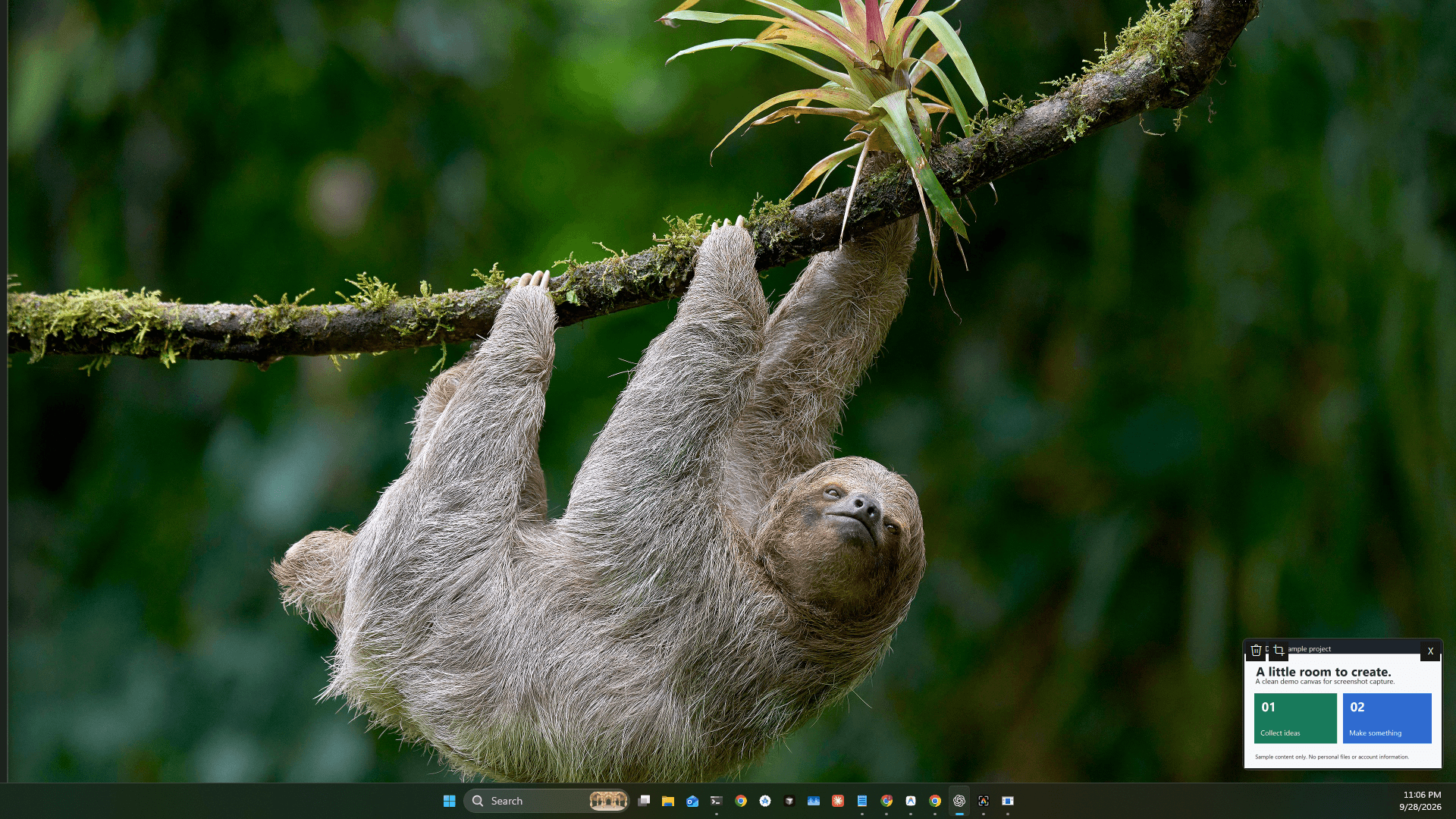
Press Print Screen, capture an area, and a thumbnail appears in the corner. Drag it into another app, crop it, dismiss it, or send the file to the Recycle Bin.
Tested mainly on Windows 11 x64. Unsigned prerelease. Mixed-DPI and HDR setups are not comprehensively tested.
v0.4.0 / Windows x64 / 48.9 MiB / prerelease / released
README / macshot
Why it exists
Windows can take a screenshot, but moving the file into another app is still oddly clumsy. MacShot keeps the capture within reach in a temporary thumbnail.
What it does
Capture → thumbnail → drag
A temporary thumbnail appears after capture. Drag it into another app, crop it, dismiss the preview, or recycle the file.
Multiple monitors
Capture one display, combine all displays into a single image, or save separate images from the same capture. Previews can appear on one or all displays.
Capture banner
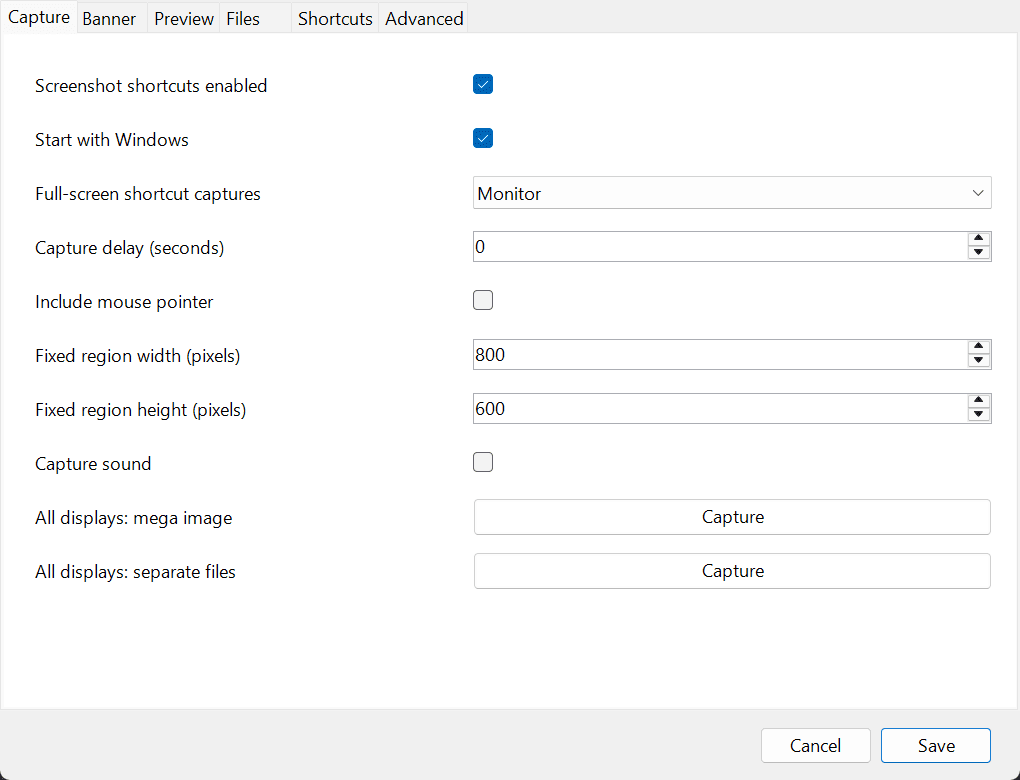
Choose the capture banner's buttons, placement and timeout. Configure shortcuts, delays, file formats, clipboard behavior and preview controls.
Screenshot history
Search and preview screenshots in your chosen folder, then copy, edit, crop or recycle them. Files stay until you choose to remove them.
Optional ShareX tools
For recording, OCR, scrolling capture and annotation, MacShot can use a separate optional ShareX installation. Native capture does not need ShareX.
Screenshots
Requirements & release status
- Windows 11 x64 is the tested platform.
- The self-contained ZIP includes the .NET runtime.
- The executable is unsigned; this is an early prerelease.
- Recording with the optional toolkit requires FFmpeg.
Installation
- Download the Windows x64 ZIP and extract the entire folder.
- Run MacShotThumbnail.exe for portable use.
- For per-user installation and sign-in startup, run Install.ps1 from the extracted folder. Administrator access is not required.
- Open MacShot Settings from Start or the tray to configure captures and shortcuts.
Optional per-user installation, from PowerShell in the extracted directory:
.\Install.ps1MacShotThumbnail-v0.4.0-windows-x64.zip / 48.9 MiB
Downloads come directly from the project’s GitHub release.
Privacy & data
Native captures are stored in the folder you choose. A folder already managed by OneDrive may sync through OneDrive. Optional ShareX uploads are disabled by default; its settings and service actions are separate. MacShot does not log keystrokes.
Known limitations
Drag and drop depends on the destination app and Windows privilege restrictions. Mixed-DPI, HDR and protected content are not comprehensively tested. MacShot is MIT licensed; the optional, separately downloaded ShareX application has its own GPL license.
Docs & support
Read the setup guide before reporting a bug. Include the version, your Windows configuration, and steps to reproduce; remove private information from screenshots and logs.